
Holidays can be hectic enough without unexpected technology glitches adding to the stress. With customers squeezing in last-minute errands and employees balancing their family time, expectations run high. The last thing you want is to frustrate anyone due to preventable tech errors.
Consider this your Holiday Tech Etiquette Playbook — because no one wants their business to be remembered for causing holiday headaches.
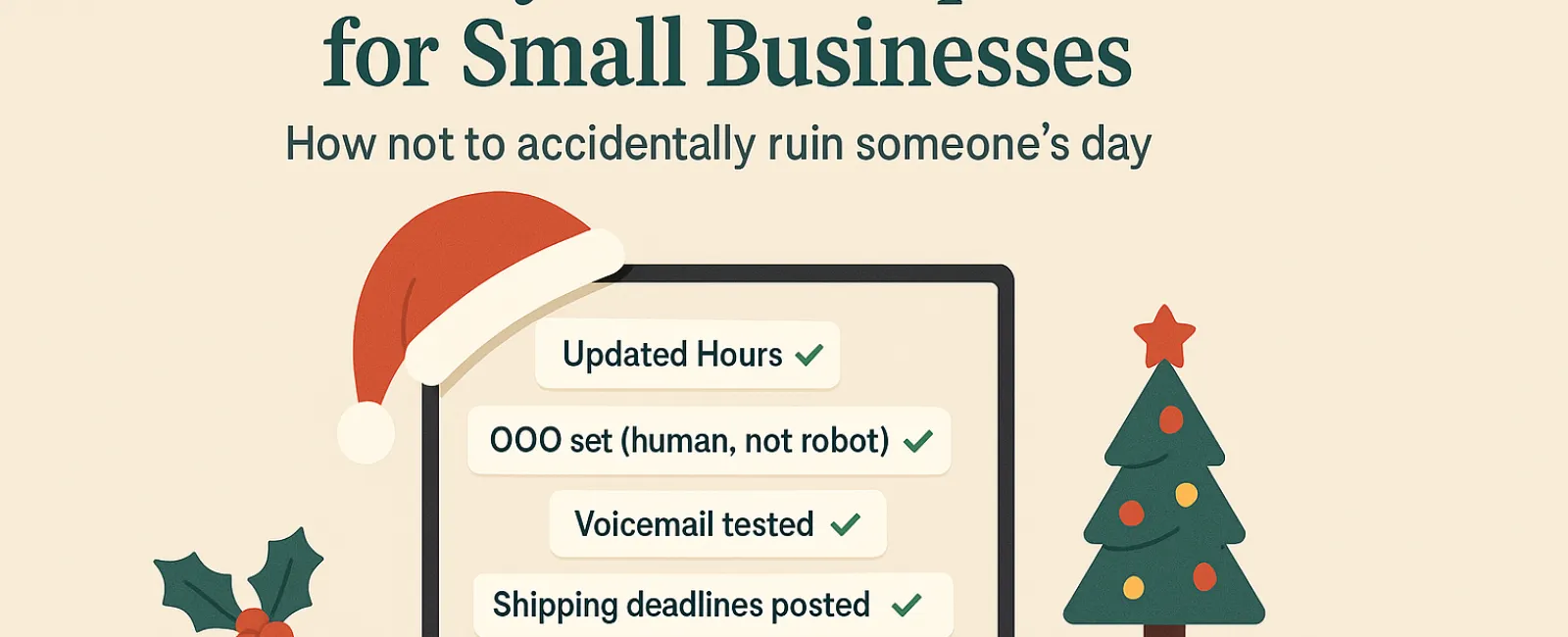
1. Update Your Business Hours Online Before Frustration Hits
Imagine a customer dashing across town on their lunch break, trusting Google to tell them you're open—only to find your place locked and dark. You've just created a classic holiday letdown.
Where you should update your hours:
- Your Google Business Profile—the critical hub for local searches
- Facebook, Instagram, Yelp and all social platforms where your customers look
- Your website banner displaying your holiday schedule clearly
- Apple Maps—surprisingly popular with many users
Example notice: "Happy Holidays! Our office will be closed from Thursday, Nov. 28 to Sunday, Dec. 1 to celebrate with family. We'll be back Monday morning ready to assist—even if we're nursing a turkey hangover!"
2. Craft Warm, Human Out-Of-Office Replies
Planning time off? Don't leave customers stuck waiting without a clue. An effective auto-response greets them warmly, sounding professional yet approachable.
Sample auto-reply: "Thanks for reaching out! We're offline for Thanksgiving from Nov. 28 to Dec. 1. We'll get back to you as soon as we're back and caffeinated. For urgent matters, please call our support team at (XXX) XXX-XXXX. Wishing you a joyful holiday!"
3. Keep Out-Of-Office Messages Clear and Concise
Skip the travel diary—customers don't need the play-by-play of your holiday plans. Sharing too much can overwhelm and even pose security issues. Focus instead on your absence dates, when you'll respond, and alternate contacts.
4. Ensure Your Phone Systems Are Up-to-Date and Helpful
Stress levels run high during the holidays, so make sure your voicemail matches your actual hours and doesn't confuse callers.
Pro Tip: Call your own business line to verify your greeting. Many still use recordings from years ago.
Sample voicemail script: "You've reached [Business Name]. Our office is closed for the holiday weekend. Please leave a message, and we'll return your call Monday morning. For urgent assistance, press 1 to connect with our on-call team. Happy Holidays, and we appreciate your patience!"
5. Communicate Shipping Deadlines Clearly and Early
If shipping is part of your business, prominently share order deadlines online and by email. Clear notifications prevent disappointed customers waiting on late packages, saving holiday relationships.
Your Bottom Line: Polite Tech Practices Welcome Happy Customers
Holiday tech etiquette is simple: set clear expectations, communicate with genuine care, and respect your customers' time. A few thoughtful updates can keep frustrations low and your reputation glowing.
Remember, the aim isn't just to avoid mishaps—it's to make your customers feel valued even when you're away.
Need support keeping your systems smooth and your customer experience top-notch this holiday season? Call us at 816-238-3777 or click here to book your free 15-Minute Discovery Call and discover easy ways to keep things running seamlessly while you enjoy a well-earned break.