
Imagine you're three hours into a five-hour road trip to see family for the holidays. Your daughter turns to you and asks, "Can I use Roblox on your laptop?" Not just any laptop — your work laptop housing sensitive client documents, financial records, and complete access to your business. You're exhausted from packing, facing three more hours of driving, and honestly, keeping her entertained sounds like a welcome break. But is it safe?
Holiday travel introduces unique security risks you don't typically encounter. Fatigue, distractions, unfamiliar networks, and blending family fun with quick work checks all add layers of vulnerability. Whether your journey is for business, pleasure, or a bit of both, here's your comprehensive guide to protecting your data while maintaining the joy of the season.
Pre-Trip Essentials: A Quick 15-Minute Security Routine
Before hitting the road, invest just 15 minutes in these vital preparations:
Device Security Basics:
- Ensure all security patches and system updates are installed
- Backup critical files securely to the cloud
- Set your device to auto-lock after no more than two minutes of inactivity
- Enable "Find My Device" features on all phones and laptops
- Fully charge your portable power bank for uninterrupted usage
- Pack reliable charging cables and suitable adapters
Discuss Device Use with Your Family:
- Clearly identify which devices are safe for children to use
- Set up a dedicated entertainment device like a family iPad
- Create separate restricted user accounts on your laptop if kids must access it
Pro tip: If your children need device time during travel, bring along a tablet that is not linked to your work accounts. Spending $150 on an iPad is a small price for avoiding a costly data breach.
Mastering Hotel WiFi: Avoid Common Pitfalls
Upon checking in, everyone quickly connects their phones, tablets, laptops, and gaming devices to the hotel WiFi. Your teen streams Netflix; your spouse checks emails, and you scramble to finalize that urgent proposal.
Here's the catch: Hotel networks are shared public systems, with potential bad actors lurking among guests.
Real-life cautionary tale: One family connected to what appeared to be the hotel's WiFi but was actually a rogue network set up in the parking lot. Every keystroke, including passwords, credit card details, and emails, was intercepted for two full days.
How to stay secure on hotel WiFi:
Confirm the network name directly with the front desk—never guess or connect blindly.
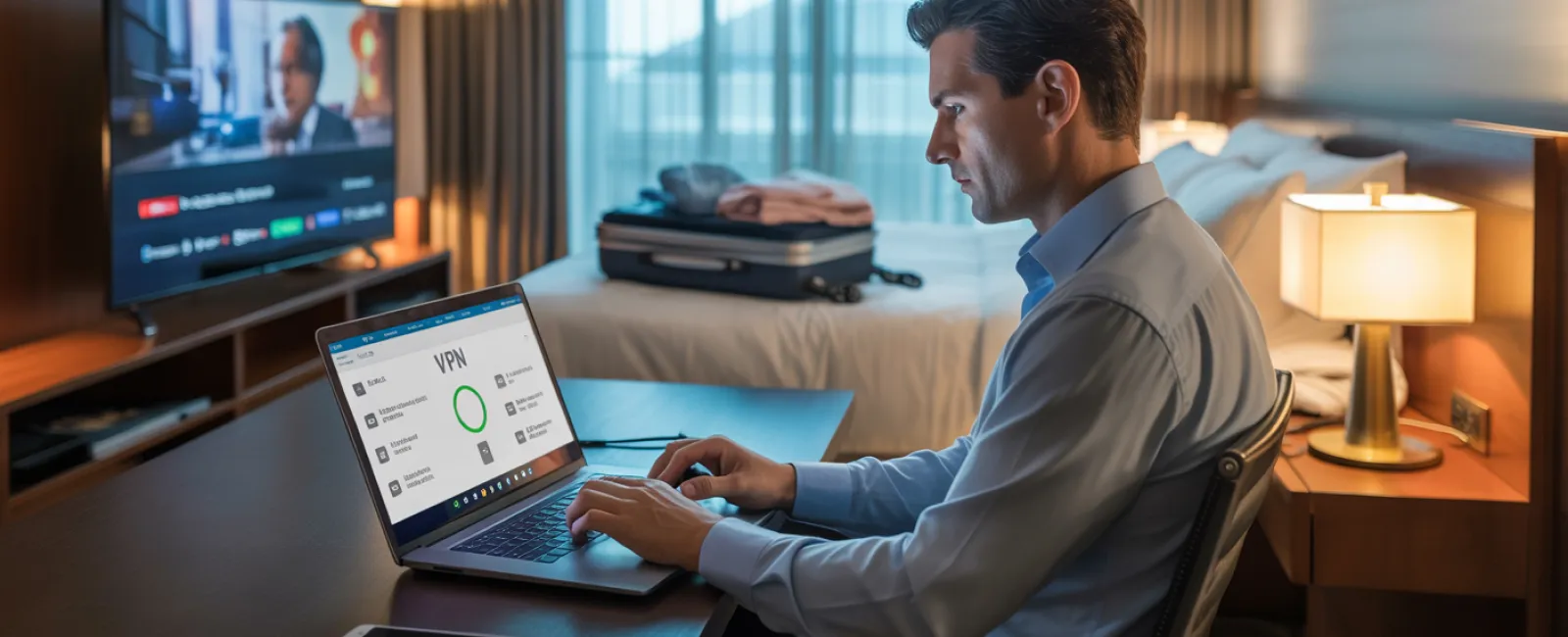
Use a VPN for work-related tasks—it encrypts your traffic, shielding sensitive data from prying eyes.
For sensitive activities like banking, rely on your phone's cellular hotspot instead of hotel WiFi.
Separate work from leisure—let kids stream cartoons on the hotel WiFi, but reserve your device's hotspot for confidential work access.
Handling the "Can My Child Use Your Laptop?" Dilemma
Your work laptop holds the keys to your business kingdom—emails, financial accounts, client files, and business systems. Meanwhile, your kids want to watch videos, play games, or chat online.
Why this is risky: Kids might accidentally click on unsafe links, download harmful files, share passwords, or remain logged into accounts. This innocent behavior can expose critical data.
Smart practices:
Say no to sharing your work device—"This laptop is for work, but you can use [another device]." Stick to this rule firmly.
If sharing is unavoidable:
- Set up a restricted user account with limited permissions
- Supervise their activities closely
- Block downloads and prevent saving passwords
- Clear browsing data immediately after use
Even better: Bring a separate device designated for family travel, such as an older tablet or laptop unlinked from your work accounts.
Streaming on Hotel TVs: Avoid the Forgotten Logout Risk
Your family streams Netflix on the hotel smart TV, but after checkout, you forget to log out.
Consequences: The next guest gains access to your account, and if you reuse passwords across platforms, they could exploit this access elsewhere.
How to prevent this:
- Use your own device and cast content to the TV for safer streaming
- Set a phone reminder to log out from the TV before checkout
- Better yet, download movies and shows ahead of time to avoid streaming via hotel devices
Never log into these on public or hotel TVs:
- Banking apps
- Work-related accounts
- Email services
- Social media platforms
- Any account storing payment information
Lost Device? Swift Action Steps to Protect Your Data
Holiday travels can be frantic, and devices often get misplaced in restaurants, hotel rooms, rental cars, or airport checkpoints. If your device is lost:
Act within the first hour:
- Locate it immediately using "Find My Device" technology
- If recovery isn't possible, remotely lock the device to prevent access
- Change passwords for critical accounts on a secure device
- Inform your IT team to revoke device access to company resources
- If sensitive business info was stored, notify relevant parties promptly
Devices should have these protections before traveling:
- Enabled remote tracking
- Strong password or biometric locks
- Automatic encryption of data
- Remote wipe capability to erase data if necessary
If a family member loses a device, apply the same security actions—lock, change passwords, and attempt to locate it remotely.
Beware the Rental Car Bluetooth Data Trap
Connecting your phone to a rental car's Bluetooth to enjoy music or navigation is common, but the vehicle often stores your contacts, recent calls, and message previews.
Failing to erase this data before returning the car can expose your personal information to the next driver.
Quick 30-Second Data Cleanup Before Returning Your Rental:
- Remove your phone from the car's Bluetooth paired devices list
- Clear GPS recent destinations and search history
- Or simply use an AUX cable or avoid connecting entirely for enhanced privacy
Maintaining Work-Life Boundaries on "Working Vacations"
You promised quality family time, yet you've checked work emails 47 times, answered quick calls, and spent an hour on your laptop while others enjoyed mini-golf.
This constant toggling between work and vacation drains focus, reducing your awareness of security risks and increasing chances of unsafe online behavior.
Set clear boundaries if full unplugging isn't possible:
- Limit work email checks to twice daily on a fixed schedule
- Use your phone's personal hotspot—not hotel WiFi—for all work-related tasks
- Work privately in your hotel room, avoiding public spaces where sensitive data can be seen
- Be fully present during family moments instead of multitasking
Ultimately, the best cybersecurity is taking genuine time off. Your business can thrive without constant monitoring, and your alertness improves when rested.
Adopting a Smart Holiday Travel Security Mindset
Let's face it: Balancing work and family on holiday trips is challenging. Kids may need your laptop, or urgent work emails demand attention while your spouse drives.
The aim isn't perfect security but intentional risk management:
- Prepare your devices thoroughly before departure
- Recognize which activities carry higher risk (e.g., hotel WiFi for banking) and which are safer (e.g., using cellular hotspots)
- Create clear separations between work data and family use where feasible
- Have a response plan ready if something goes wrong
- Know when to firmly say "No" to risky device sharing and enforce it
Secure Your Holiday and Cherish What Matters Most
The holiday season should focus on cherished moments with loved ones, not managing cybersecurity crises or client data mishaps.
With a little pre-planning and simple, effective safeguards, you can enjoy peace of mind—your family enjoys their holiday, your business stays protected, and everyone wins.
Need expert assistance establishing travel security policies for your team and yourself? Click here or give us a call at 816-238-3777 to book a free 15-Minute Discovery Call with us.We'll help you create practical policies that protect your business without making travel impossible.
Because the best holiday memory shouldn't be "Remember when Dad's laptop got hacked?"